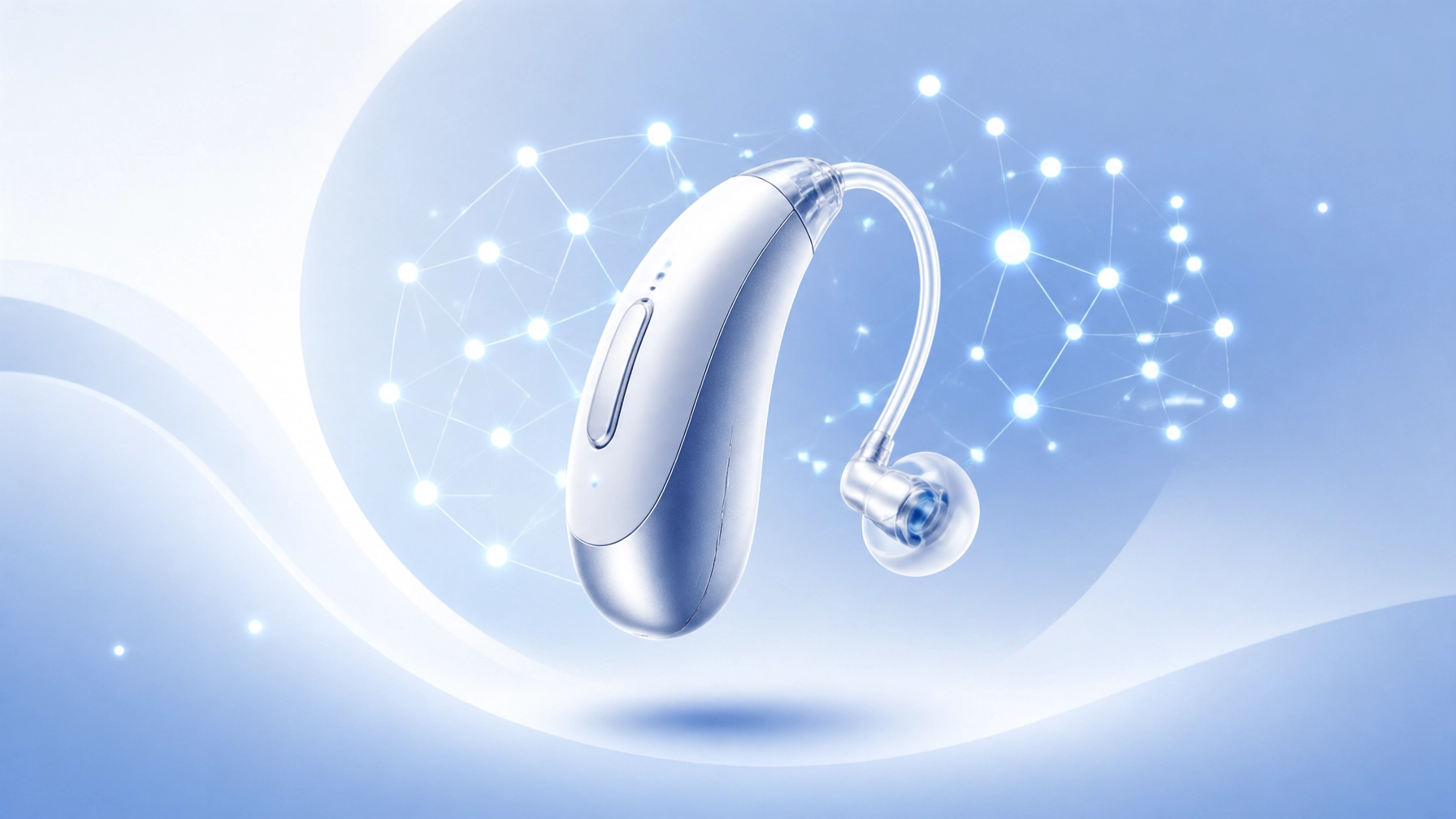
7 Mistakes You’re Making with AI Hearing Aids (and How to Fix Them)
G’day! If you’ve recently upgraded to a pair of AI hearing aids, you’ve probably noticed they aren’t your grandad's old "ear trumpets." We are talking about serious tech here: micro-computers that can make millions of adjustments every single hour to help you hear better in a crowded pub or at a windy family BBQ.
However, after years of fitting hearing aids in Perth, I’ve seen many of my patients walk in frustrated because their "smart" devices aren't acting so smart. Usually, it’s not the tech at fault: it’s a few common blunders that are easy to fix.
Now that we have entered the era of Deep Neural Networks (DNNs: systems that mimic how the human brain processes sound), it's more important than ever to know how to drive these things.
Keep reading this post as we explore the seven biggest mistakes people make with AI-powered hearing aids and, more importantly, how to fix them so you can get back to enjoying life.
1. Expecting "Instant Perfection" on Day One
The biggest mistake I see is patients thinking that because they’ve paid for high-end AI, the hearing aids will magically fix their hearing the second they put them on.
AI hearing aids, like the Starkey Genesis AI, use a Neuro Processor (a powerful computer chip designed to mimic the brain’s auditory system) to learn and adapt. But here’s the rub: your brain needs time to catch up.
- The Mistake: Getting frustrated and taking them out when sounds seem "too sharp" or "unnatural" in the first 48 hours.
- The Fix: You need a proper acclimatization period (a fancy way of saying your brain needs to get used to the new sounds). Wear them for at least 4 to 6 hours a day in a quiet environment first, then slowly build up to noisier Perth cafes.
- Expert Advice: If after two weeks things still feel "off," come and see me. We can adjust the gain (the amount of volume added to specific frequencies) to make the transition smoother.
2. Ignoring the "Edge" and Manual Triggers
Most modern AI aids are designed to be automatic. They use AutoSense OS (software that automatically classifies your environment) to switch between "Music," "Speech in Noise," or "Quiet" modes. But sometimes, the AI needs a little nudge.
- The Mistake: Relying 100% on automation and never using the "on-demand" features.
- The Fix: Use your Edge Mode+ or equivalent on-demand AI feature. For example, if you're at a particularly noisy restaurant in Subiaco, a quick double-tap on the aid or a click in the app triggers the AI to do a fresh scan of the room and prioritize speech immediately.
- Real-World Example: I had a patient, Barry from Subiaco, who struggled at his weekly bowls club. Once I showed him how to trigger his manual AI boost, bob’s your uncle: he could finally hear the scores being called out over the wind.

3. Poor "Bluetooth Hygiene"
AI hearing aids are essentially tiny Bluetooth headsets. If you don't keep your phone and your aids "talking" to each other properly, the smart features will start to fail.
- The Mistake: Not updating the firmware (the internal software that runs the hearing aid) or the companion app.
- The Fix:
- Check for updates weekly in your hearing aid app (like My Starkey or Oticon ON).
- Restart your phone once a week to clear out any Bluetooth "glitches."
- Ensure "Location Services" are ON. AI aids often use your GPS to remember settings for specific places, like your favorite Perth coffee shop.
- Pro Tip: If your streaming is cutting out, delete the pairing from your Bluetooth settings and re-pair them from scratch. It works like a charm.
4. Skipping the "Deep Clean"
Because AI aids have so many sensors and microphones (some have up to 4 microphones per ear!), they are very sensitive to earwax (cerumen) and dust.
- The Mistake: Thinking that "Smart" tech means "Self-Cleaning" tech. It doesn't.
- The Fix:
- Daily: Use a soft, dry cloth to wipe the body.
- Weekly: Use a small brush to gently clear the microphone ports.
- Monthly: Change your wax guards (tiny filters that stop gunk from getting into the speaker).
- Practical Summary: If your expensive AI aid sounds muffled, it’s almost certainly a wax blockage, not a computer glitch. Check out our guide on rechargeable hearing aid maintenance for more tips.

5. Keeping Quiet During Follow-Ups
When you come in for a check-up at Pristine Hearing, I can see exactly what your hearing aids have been doing. This is called Data Logging.
- The Mistake: Not telling your audiologist the specific situations where you still struggle because you think "it's just how it is."
- The Fix: Give your Audiologist specific feedback. Don't just say "it's loud." Say "The clinking of cutlery at the restaurant is piercing, but I still can't hear my wife over it."
- Actionable Advice: Make a list on your phone of three specific places where the AI didn't perform well. I can use that data to fine-tune the DNN settings to your specific lifestyle.
6. Over-Tweaking the App Settings
It’s tempting to play with the equalizer in the app all day long. While it’s great to have control, you can actually "confuse" the AI.
- The Mistake: Making constant, drastic changes to the bass and treble, which overrides the AI's ability to learn your environment.
- The Fix: Use the app for minor adjustments only. If you find yourself needing to change the settings every time you walk into a room, your baseline programming is wrong.
- Get your Audiologist to… perform Real Ear Measurements (REM). This is a test where we place a tiny microphone in your ear canal to see exactly what the hearing aid is doing. It's the only way to ensure the AI is hitting the right targets for your hearing loss. If you haven't had this done, book a session with the best audiologist in Perth.

7. Choosing Tech Over the "Techer"
The final, and perhaps most expensive mistake, is thinking the brand of the hearing aid matters more than the person fitting it. You can buy the most expensive Starkey or Phonak in the world, but if it’s not fitted to your ear's unique shape and your brain’s processing speed, it’s just an expensive earplug.
- The Mistake: Buying AI hearing aids online or from a "big box" retailer that doesn't offer personalized aftercare.
- The Fix: Do not go to a clinic that doesn't offer free follow-up maintenance. At Pristine Hearing, we believe the fitting is just the beginning.
- Case Study: Sheila from Fremantle bought a pair of high-tech aids elsewhere but hated them. When she came to me, I realized they were the wrong physical fit (she needed a RIC: Receiver-in-Canal: but was sold a CIC: Completely-in-Canal). We switched the style and re-programmed the AI, and now she’s back to attending her local bridge club with total confidence.
How Pristine Hearing Perth Helps You Master the Tech
We don't just sell you a device; we guide you through the "learning curve" of modern audiology. Whether you need help accessing the Hearing Services Program or you're looking for the latest in ear wax removal to keep those sensors clear, we’ve got your back.
Summary Checklist for AI Success:
- Be patient: it takes 2-4 weeks for your brain to adjust.
- Use the app: but don't over-tweak it.
- Update everything: firmware and phone software are key.
- Clean daily: microphones are the "eyes" of the AI.
- Talk to me: tell me exactly where you are struggling.
Ready to see what the latest AI can actually do for your life? Give us a buzz at Pristine Hearing Perth or drop by one of our clinics. Let’s make sure your "smart" hearing aids are actually working for you!