
Bluetooth Hearing Aids in 2026: Streaming, Calls and Auracast Explained (Perth Buyer’s Guide)
If you’re looking at Bluetooth hearing aids, you’re probably hoping to do more than hear conversations more clearly. You might want to take calls without reaching for headphones, stream a podcast while walking along the Swan River, or follow TV dialogue without turning the volume up for everyone else.
I help my patients weigh up these everyday needs when choosing hearing technology. The key thing to know is that “Bluetooth” doesn’t mean every hearing aid works with every phone or offers the same features. Compatibility depends on the particular hearing aid, your phone model and its software.
Here’s what Bluetooth hearing aids can do, what to check before buying, and how to think about new features like Auracast in Perth.
What can Bluetooth hearing aids do?
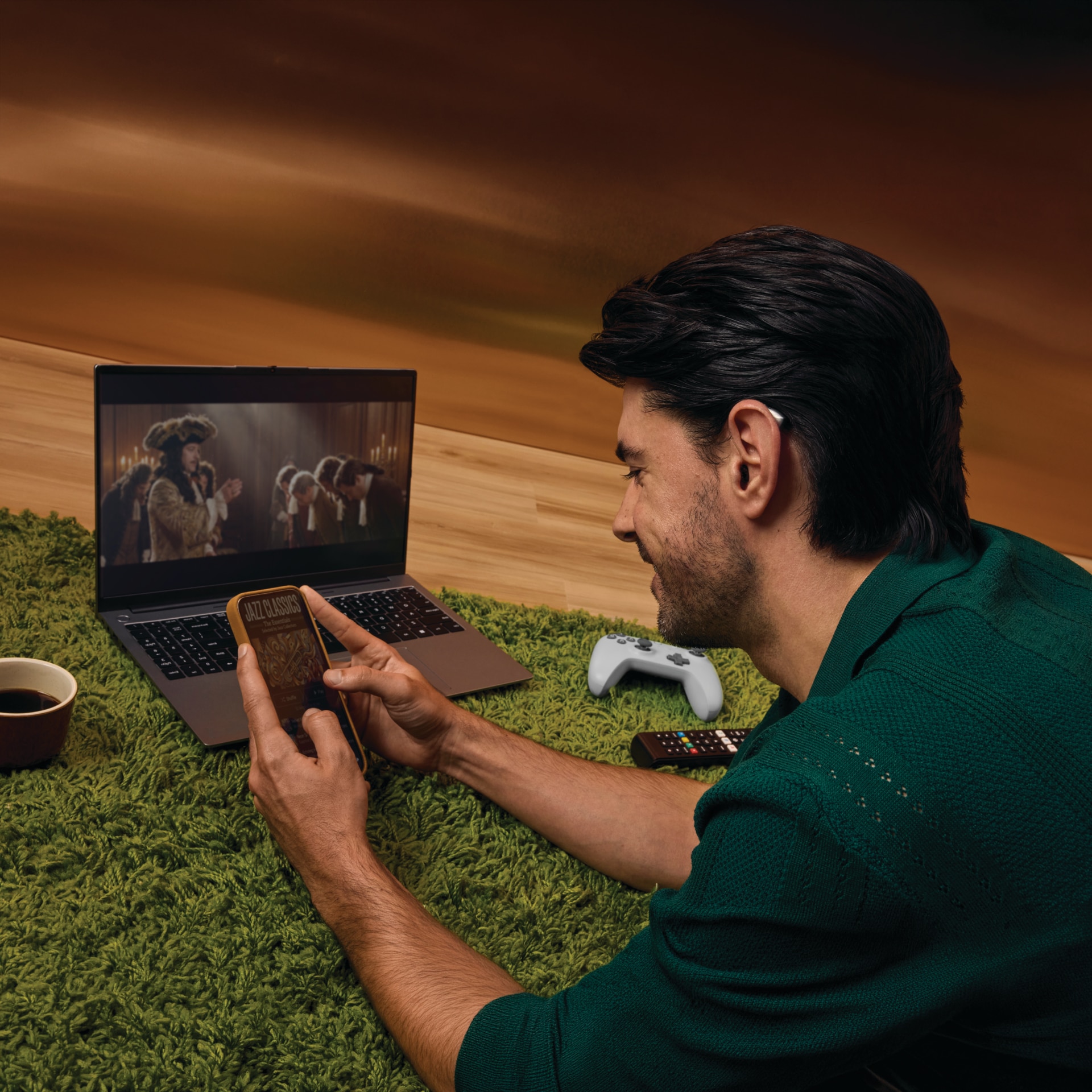
Depending on the model, Bluetooth hearing aids may connect to your phone, television or other devices to support:
- Phone calls: Hear the caller through your hearing aids. Some models also send your voice back through the aids’ microphones for hands-free calls.
- Music, podcasts and videos: Stream sound directly to your ears instead of relying on a phone speaker or separate headphones.
- TV audio: Use a compatible TV streamer to send dialogue to your hearing aids, often with the TV volume kept comfortable for other people.
- App controls: Use a manufacturer’s smartphone app to adjust volume, change listening programmes or make other supported changes.
A streamer is an accessory that sends audio from a source, such as a television, to your hearing aids. Some devices connect directly to the TV; others use an accessory.
Practical takeaway: Decide which uses matter to you most. A person who mainly wants clearer phone calls may need a different feature set from someone who streams television for hours each day.
iPhone and Android compatibility: check your exact phone
Hearing aid makers use different wireless systems and compatibility labels. For example, Made for iPhone (MFi) refers to Apple’s hearing-device connectivity, while ASHA means Audio Streaming for Hearing Aids, an Android feature available on supported phones.
Newer hearing aids may also use Bluetooth LE Audio (a newer Bluetooth audio standard designed to support features such as more efficient streaming). But the words “Bluetooth” or “LE Audio” alone don’t guarantee that every phone feature will work.
Before you buy, ask your audiologist to check:
- Your exact phone model, not just “iPhone” or “Android”.
- Your operating system version and whether your phone maker supports the relevant connection type.
- Whether the aid supports two-way calls, or whether you’ll speak into the phone itself.
- Whether the manufacturer’s app works on your phone.
- How to reconnect the aids if you change phones or update the software.
Bring your phone to your appointment and test the connection with the hearing aids you’re considering. That simple step can save a lot of frustration later. The Australian Government’s guide to hearing aid connectivity explains common connection features, and manufacturers publish their own compatibility information.
Auracast: public audio when a venue supports it
Auracast is a Bluetooth LE Audio feature that lets a compatible venue transmit audio for multiple nearby receivers to pick up. Instead of pairing your hearing aids to one person’s phone, you can join an available broadcast, when the venue has installed the right equipment and your hearing aids support it.
It could be useful for announcements, presentations or audio in places such as cinemas and airports. But it’s important to separate the technology’s potential from what’s available at a particular venue today: you’ll need compatible hearing aids, a compatible connection method and an active Auracast broadcast at that location.
We’ve explained the technology in more detail in our Perth-focused guide, Why Auracast Will Change the Way You Hear at Perth Airports and Cinemas. Check directly with a venue before relying on a broadcast for an announcement or event.

Does Bluetooth streaming drain the battery?
Streaming uses battery power, and long calls or regular music and TV listening can reduce the time between charges or battery changes. The effect varies between models and depends on your hearing aid settings, how much you stream and the type of connection used.
Bluetooth LE Audio is designed to support more efficient audio connections, but it doesn’t mean streaming uses no power. Ask the clinician to explain expected battery life for the specific model and your typical daily use, not just quote a maximum figure from a product page.
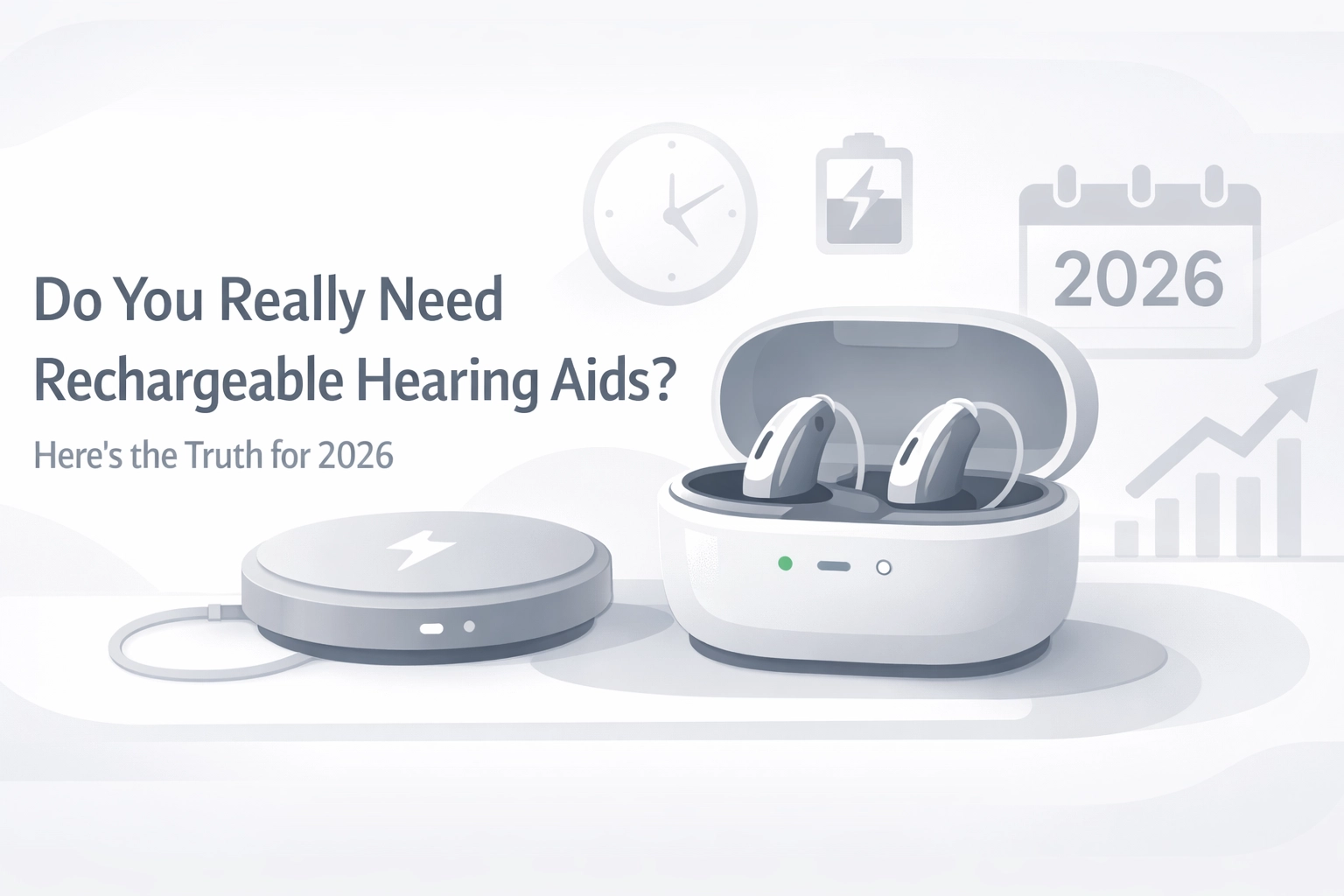
If streaming is a big part of your routine, rechargeable aids may be worth considering. Our guide to rechargeable hearing aids looks at charging habits, battery life and practical trade-offs.
Practical takeaway: Tell your audiologist how many hours you expect to stream on a typical day. That makes the battery conversation much more useful.
How Bluetooth features differ between brands
Features vary by model and phone, not just by brand. These manufacturer pages are useful starting points, but confirm the exact device combination before deciding:
| Brand | What to ask about |
|---|---|
| Oticon | Ask which phone connections your preferred model supports and whether that model supports Auracast. See Oticon connectivity and its Auracast listening guide. |
| Phonak | Phonak describes direct Bluetooth connections for calls and media on compatible phones and devices. Check the exact model and phone using its Australian Bluetooth support page. |
| ReSound | Compatibility and newer LE Audio features differ across product families. Use ReSound Australia’s compatibility information to check your devices. |
| Starkey | Selected models offer current wireless features, but phone and model support still needs checking. Start with Starkey’s Omega AI information. |
| Widex | Direct streaming support varies by phone and model. Check Widex’s Australian pairing and compatibility support, especially if you’re interested in Auracast. |
I don’t recommend choosing by a brand name alone. Compare the hearing aid’s fit, sound, controls, support and compatibility with the devices you actually use.
A Perth example: plan for the places you go
Imagine you live in Joondalup and fly from Perth several times a year. You might want to stream phone calls at home, connect to a TV in the evening, and be ready to use a public audio broadcast if one is available at an airport or cinema. Those are three different listening situations, and they may involve different accessories or compatibility checks.
Our Auracast guide shares a patient story about Gavin, a traveller from Joondalup who wanted to hear airport announcements more confidently. The useful lesson is simple: tell your audiologist where and how you want to hear better, then test any relevant features with your own phone and hearing aids.
Your Bluetooth hearing aid checklist
Before you choose, work through these steps:
- List your priorities: calls, music, TV, app control or public broadcasts.
- Bring your phone to your appointment, including its model and software version.
- Test the features you plan to use, including call quality and app controls.
- Ask about battery life for your expected streaming habits and whether rechargeable options suit you.
- Check accessories and venue support, especially for TV streamers and Auracast.
- Ask about follow-up care, costs and funding before making a decision.
At Pristine Hearing, I help patients compare hearing technology around their individual needs, lifestyle and budget. We offer free follow-up maintenance on our hearing aids, flexible payment options and help understanding available Medicare and health fund rebates.
If you’re unsure where to start, book a free 15-minute hearing screening or contact us to discuss an appointment. A screening is a starting point; a comprehensive diagnostic assessment is a separate service, and we can explain any fees or applicable rebates before you book. For more details, see our adult hearing services and hearing aid services pages.
The right Bluetooth hearing aids should fit your hearing needs and work with your everyday devices, not just look impressive on a feature list. Check compatibility, try the connection and ask questions. Do that, and choosing the right setup becomes a whole lot clearer.